
















Writing Specs
Master cospec's visual editor to create powerful MCP servers with slash commands and integrations.
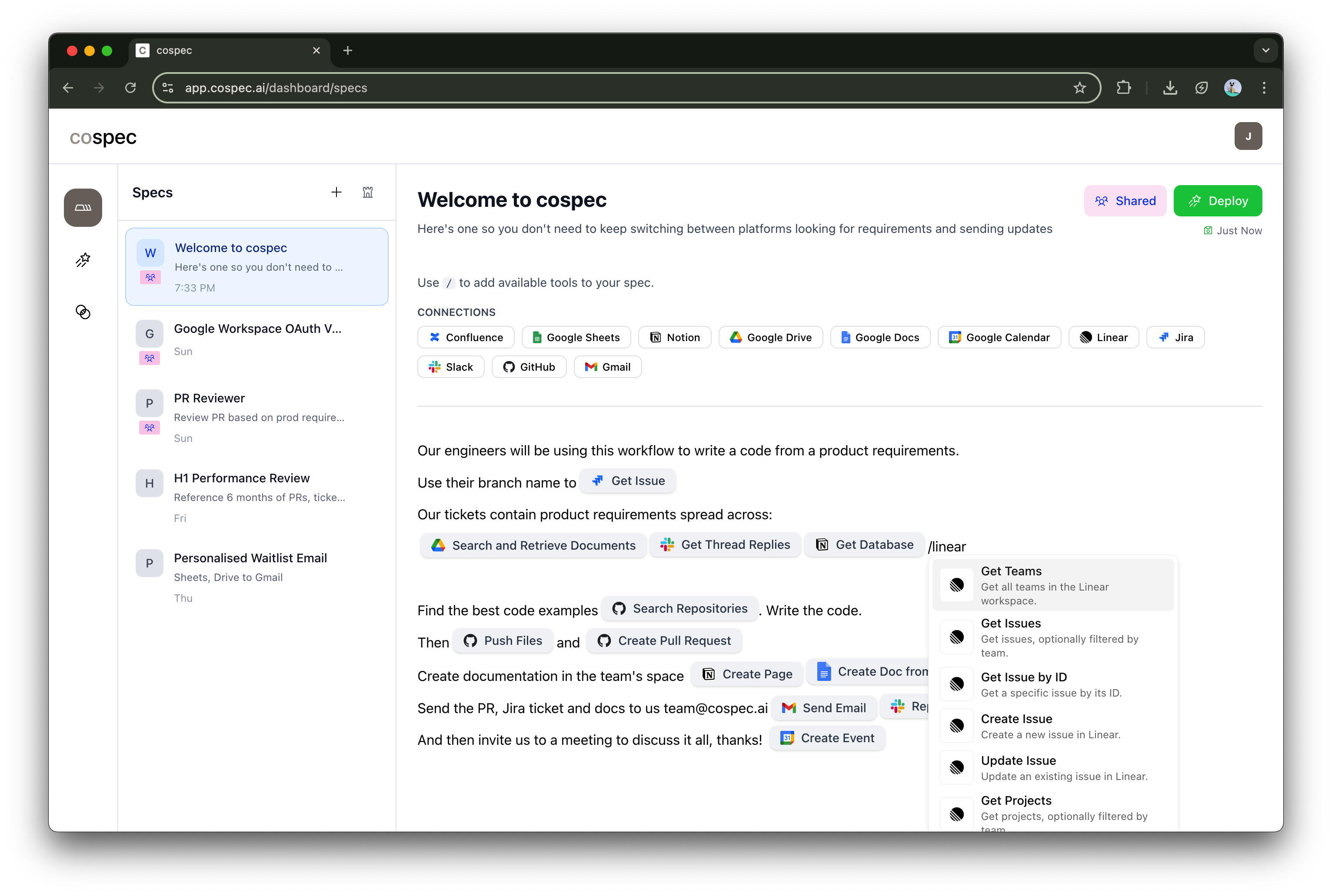
Starting out
Begin every spec with a clear title and description that explains what your MCP server does.
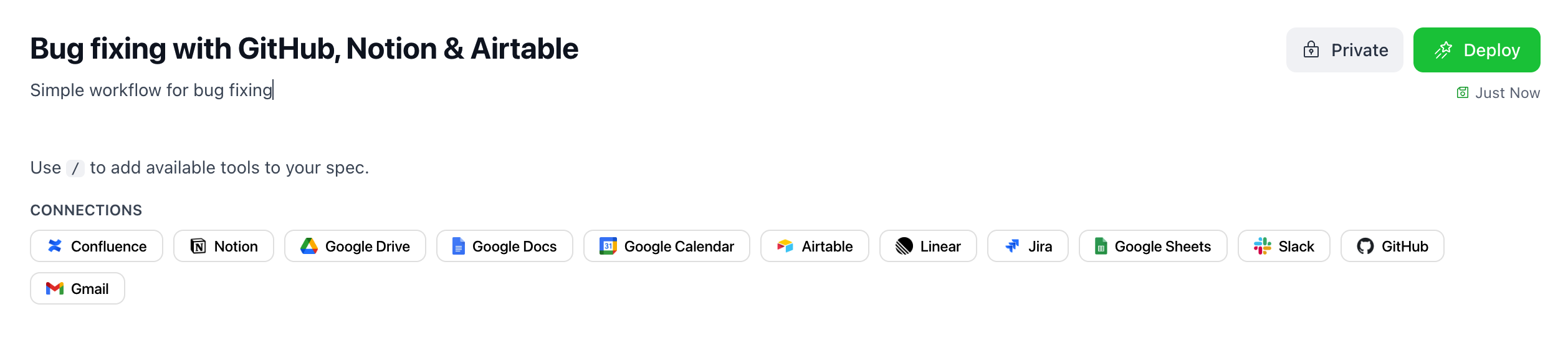
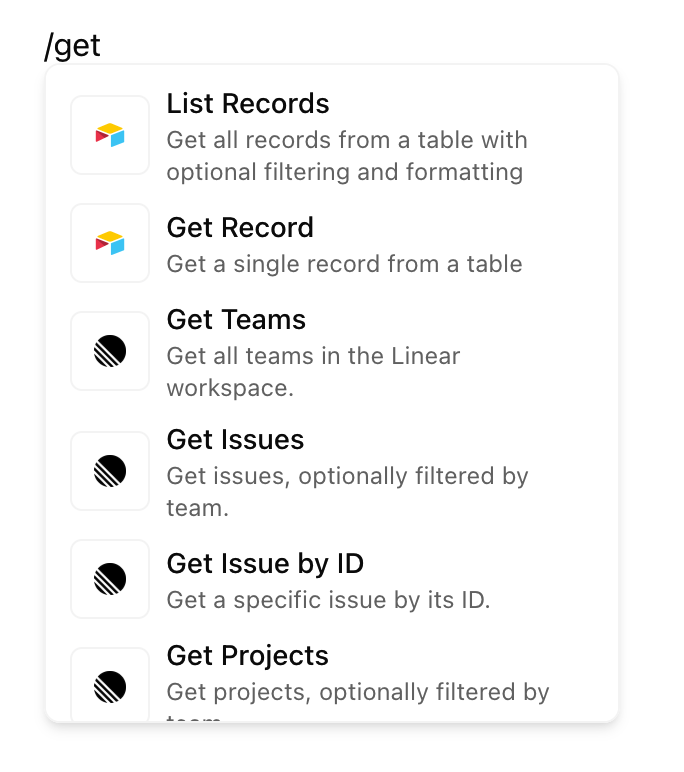
Add tools with slash commands
Type "/" in the editor to see available slash commands. Each command adds specific functionality to your MCP server.
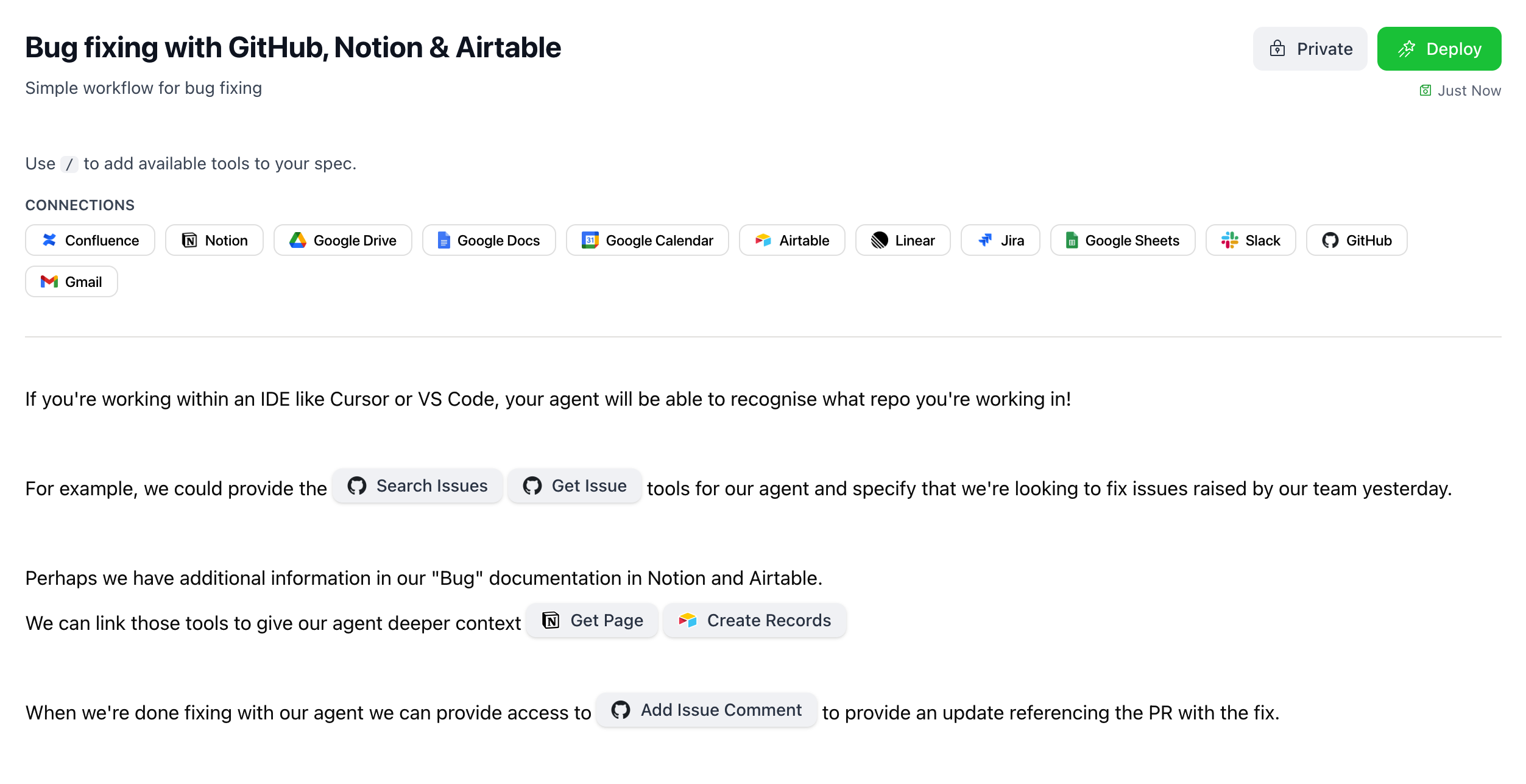
Define your workflow
After adding a slash command, configure which specific tools you want to include and their parameters.
Cospec supports integration with popular services through slash commands. Each command adds specific tools and capabilities to your MCP server.

Repository management, issue tracking, pull requests, and code search

Read, write, and manipulate spreadsheet data, create charts and formulas

Database operations, page creation, content management, and workspace organization

Send messages, manage channels, file uploads, and team notifications

Issue management, project tracking, team assignments, and workflow automation

Send emails, search inbox, manage labels, and email automation

File upload, download, sharing, folder management, and collaboration

Document creation, editing, commenting, and collaborative writing

Design file access, component management, team collaboration, and version control

Database operations, record management, field updates, and collaborative workflows

Issue tracking, project management, sprint planning, and agile workflows

Documentation management, page creation, team collaboration, and knowledge sharing

Event management, scheduling, meeting coordination, and calendar integration